Play Highway of the Dead on PC
Windows via Google Play Games for PC — install, controls, and sync expectations.
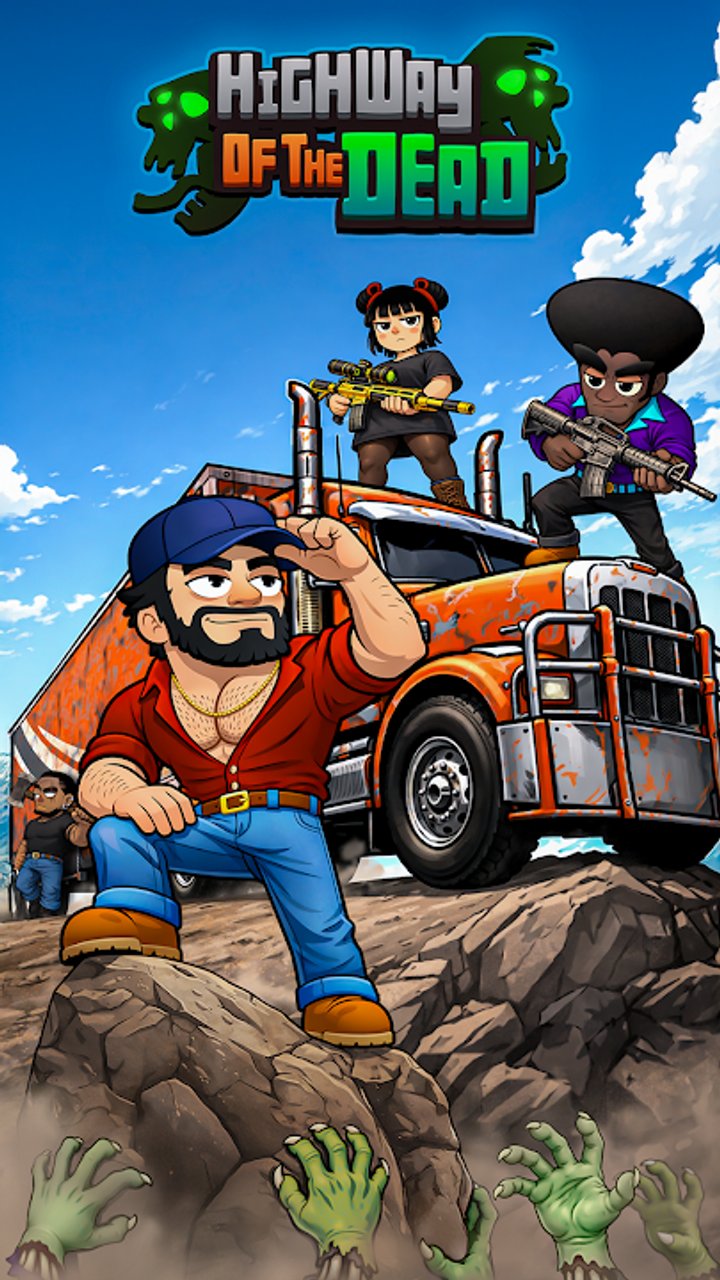
Want Highway of the Dead on a bigger screen? Yso Corp ships the game on Android, iOS, and Windows. The Windows build is delivered through Google Play Games for PC (the Play PC store experience), not Steam, Epic, or a standalone launcher. This guide covers where to download it, what hardware Google lists as a baseline, how mouse and keyboard feel for a merge-and-bag game, and what to expect if you also play on a phone.
For the full game pitch and store IDs, see the Wiki Overview. Strategy after you install lives on the Guides Hub — start with Getting Started once the client opens.
Platforms at a glance
| Platform | How you get it | Package / ID |
|---|---|---|
| Android | Google Play Store | com.YsoCorp.HighwayoftheDead |
| iOS / iPadOS | App Store | id 6759250268 |
| Windows | Google Play Games for PC | same Android package via Play PC |
There is no official Steam page. If a site offers a “Steam key,” an unsigned EXE, or a random APK mirror, treat it as unofficial. Stick to Google’s PC client or the mobile stores linked from Yso Corp’s listing.
Install Highway of the Dead on Windows
- Confirm your PC meets Google Play Games for PC minimums (commonly cited: Windows 10 version 2004 or newer, SSD with roughly 10 GB free, 8 GB RAM, a 4-core CPU, and integrated graphics in the Intel UHD 630 class or better). Exact requirements can change on Google’s Play PC pages — check the store listing before you install.
- Install Google Play Games for Windows from Google’s official download, then sign in with a Google account.
- Open the Play PC store listing for Highway of the Dead (search the title or package
com.YsoCorp.HighwayoftheDead) and install. - Launch from the Play Games library. Let the first download and asset unpack finish before judging performance.
- After the tutorial, pause and organise the bag the same way you would on mobile — see Backpack Management.
Updates arrive through the Play Games client, not Steam. When Yso Corp ships modules, weapon upgrades, or bug-fix builds, skim the Updates Hub so you know which wiki pages to re-read.
Mouse and keyboard expectations
Highway of the Dead is a merge + backpack casual game: combat waves are largely loadout-driven, while the skill check is rearranging a grid between fights. On PC that usually means:
- Pointer precision helps. Dragging items into a merge lane or clearing one-cell holes is often faster with a mouse than a finger.
- It is not a WASD shooter. Do not expect twin-stick FPS controls. Treat the session like a tablet puzzle on a desk monitor.
- Click targets stay mobile-sized. Buttons, ads, and shop panels were designed for touch; zoom or UI scale (if the Play Games shell offers it) can reduce mis-clicks.
- Keyboard shortcuts are limited. Most actions are click/tap. Use keyboard mainly for OS-level window focus, not custom keybinds.
- Session comfort. Larger screen + mouse makes long organise phases less fatiguing — which is exactly when you should plan merges instead of panic-starting the next wave.
If you bounce between phone and PC, keep the same mental habits: empty cells before a fight, one primary merge line, and intentional upgrades. The Guides Hub and Getting Started pages do not change just because your input device did.
Progress sync and account caveats
Google advertises seamless sync across devices for many Play Games titles, but store copy often notes that sync might not be available for every game. Treat cloud progress as best-effort, not a guarantee:
- Prefer one primary Google account for Play Games on PC and Play Store on Android if you want any chance of shared progress.
- iOS (App Store id 6759250268) sits outside Google Play’s Android/PC account graph. Do not assume iPhone saves automatically appear on Windows or Android without an in-game account link that Yso Corp documents in-client.
- After a PC install, play a short session, force a clean exit, then check whether progress appears on your other device before investing gems or IAP on a second platform.
- If progress does not sync, keep purchases and long sessions on a single device until Yso Corp or Google confirm linking. Avoid buying the same pack twice “to catch up.”
- Rewarded ads and IAP still follow the platform store rules of the client you are in; receipt history will not magically transfer across ecosystems.
When in doubt, progress your main save on one platform and use the other for convenience sessions only after you have verified sync yourself.
Performance and quality-of-life tips
- Close heavy background apps; merge UIs hate stutter when you are mid-drag.
- Use wired or strong Wi-Fi if ads or cloud checks appear — timeouts mid-reward waste time.
- Fullscreen or borderless can help focus; keep taskbar auto-hide off if it steals clicks from bottom UI.
- After patches listed on the Updates Hub, retest bag layouts — new modules or weapon upgrade UIs can change what “empty cells” you want before a wave.
- Codes remain unconfirmed publicly; check the Codes Hub instead of random PC “gift key” sites.
Where to go next
- Getting Started — first-hour loop on any platform.
- Backpack Management — layouts that benefit most from mouse precision.
- Guides Hub — merges, truck upgrades, and tips.
- Wiki Overview — platforms, package IDs, and site map.
- Updates Hub — what changed after you update the Play Games build.
Install from the official Play PC path, treat Steam clones as noise, verify sync before dual-platform spending, and use the larger screen to organise smarter — that is the whole PC advantage for Highway of the Dead.
Frequently Asked Questions
Quick answers to the most common Highway of the Dead questions.
Is Highway of the Dead on Steam?
No. The official Windows path is Google Play Games for PC using the Android package com.YsoCorp.HighwayoftheDead. There is no official Steam release.
How do I install Highway of the Dead on Windows?
Install Google Play Games for PC, sign in with Google, find Highway of the Dead in the Play PC store, install, and launch from the Play Games library. Updates come through that client.
What are the PC system requirements?
Google typically lists Windows 10 (v2004+), an SSD with about 10 GB free, 8 GB RAM, a 4-core CPU, and Intel UHD 630-class graphics or better. Always confirm on the current Play PC listing.
Does progress sync between phone and PC?
Google markets cross-device sync for Play Games, but it may not apply to every title. Android and Play PC may share a Google account path; iOS (App Store id 6759250268) is separate. Verify with a short test before spending on a second device.
Is mouse and keyboard better than touch?
For bag organisation and merges, a mouse often feels more precise. Combat is still largely loadout-based, not a keyboard shooter, so expect a tablet-style UI on a desktop monitor.
Where do I find mobile store IDs?
Android package is com.YsoCorp.HighwayoftheDead on Google Play. iOS App Store id is 6759250268. See also the Wiki Overview for platform context.